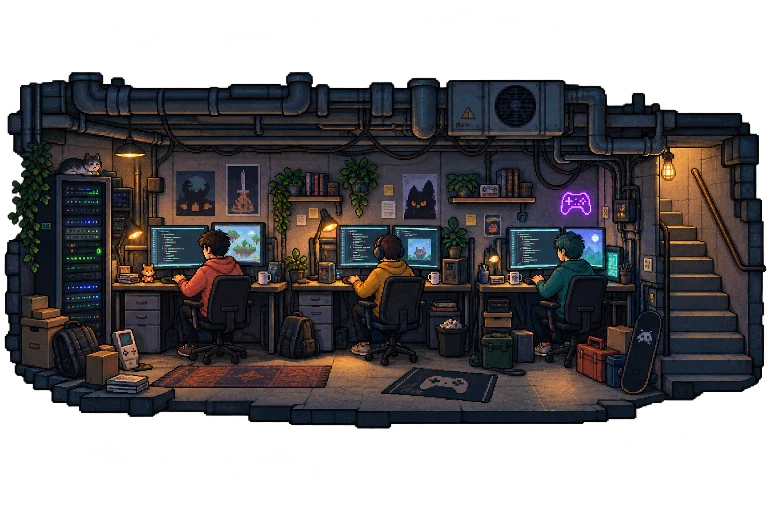
Your AI team, on the map

Give your AI team a base.

Give them instructions, a model and tools. Bring your team into one base, talk to them and follow their work on the map.

The Homeland underground

Pick a worker. Or hand the team a brief.

MISSION 001 / THE FIRST LEVEL
DesignYour turnLevelTestDeliver
Team ready · bring your idea

Every game starts with a ‘what if?’

Bring the idea. Atlas, Nova and Echo help shape it, from design to testing.

Illustrative demo · happens on this page
A day at the base
At the base todayAtlas, Nova & EchoPick a sprite

A day at the base

One launch. Three shifts. One base.

Say you are preparing your project launch. This is what you would do with Atlas, Nova and Echo in Ops: in the morning, mid afternoon and at night.

Illustrative walkthrough · example team and copy
09:00

01Forge a worker

Instructions, model and tools.

In Studio you write its SKILL.md: what it does, when it asks, where it stops. You pick a model from the catalog or point it at your own endpoint, tick its MCP servers and deploy it to your instance. It shows up in Active with its sprite and its zone.

Atlas · SKILL.md
Instructions

Organize the launch in clear steps. Before taking anything for granted, ask. When something is ready, leave it in Storage with a name that makes sense.

Model
From the catalog, or your endpoint
MCP
memories · web

Repo → Deploy → Active → zone: Office

The look (hair, body, click voice) is separate: it changes how it appears on the map, not how it works.

17:30

02Room at half past five

One question for the whole team.

You open Room and put the question to the team. Atlas sorts the plan, Nova asks for the materials, Echo wants to know who it is for before writing a line. When someone needs a clarification, you answer it: nobody decides for you.

Room · Launch
You

We present the project on Thursday. What has to be ready and who takes what?

Atlas

Three fronts: I take the proposal, Nova prepares the materials, and Echo wants to know who sees it first. Thursday confirmed?

Example conversation. You answer the clarifications.

For a specific task, open one worker's chat. In Live you can see who is busy and in which zone.

21:00

03What is left in Assets

Two files and a next step.

The plan and the proposal sit in the instance Storage. You open them from Assets, review them and go back to the chat with fresh context. When a dashboard helps, it opens in the center, where the map was.

Assets · Storage
  • launch-plan.mdGoal, tasks and who owns each one
  • project-proposal.mdReady for Thursday's review

Example deliverables. In Ops you open them from Assets.

Which files and context you see depends on your role and the services configured in the instance.

What is inside

What you decide, what comes built in.

  1. Models

    A model per worker

    From the OpenRouter catalog, with the price per million tokens in plain sight, or your own OpenAI-compatible endpoint. Every definition carries its own.

  2. Tools

    MCP, web and Telegram

    Tick which MCP servers each one uses, switch on the web or give it a Telegram bot. Every integration asks for its own credentials and permissions; Ops does not make them up.

  3. Map

    Zones that mean something

    Shed, Garden, Office, Kitchen, Yard. You assign each worker its zone, draw your own on your own background, and activity shows up where it happens.

  4. Access

    Your instance, your people

    Invite editors or viewers. Viewers chat; editors forge. Memories has permissions per channel and per character.

What you will ask before walking in.

What is Homeland Ops?

The console of your base: a pixel map with your AI workers, the Repo of definitions, direct chat, the team Room and the instance resources (files, dashboards, Memories). Live to operate, Studio to build.

Where do I start?

Sign in and pick an instance. In Studio you create a definition: name, look, voice, model and instructions. You deploy it, assign it a zone and write to it. The in-app guide walks you through those steps.

What do I need configured?

A model you can reach, from the catalog or your endpoint. Everything else is optional and goes per integration: MCP, Telegram, Memories, Desktop Agent. This page is an illustrative walkthrough: it does not run agents or connect services.

Lights on at the base

The base is ready. Your team is missing.

Walk in, forge the first one and give it a post on the map.

Open Ops